Smart Home

9 Best Video Doorbells of 2026: No Monthly Fees Required

Best video doorbells for your entryway: discover models that store footage locally without a subscription, plus smart picks that blend into your home's decor.

A doorbell that promises 2K video and AI detection looks impressive on a spec sheet, but many owners find that the battery drains in days and motion alerts miss actual visitors — especially on a busy stoop.

Meanwhile, some models demand a monthly payment to view recorded clips, turning a one-time purchase into a subscription treadmill. The alternative — local storage on a microSD card — keeps your footage private and fee-free, but it’s not always obvious which doorbells offer this without reading the fine print.

For a home decorator, the doorbell also needs to look like a considered choice, not a plastic afterthought, and fit within your Wi‑Fi network’s quirks. Our selections balance video quality, power source, and aesthetics so you can find a camera that works with your lifestyle, not against it.

1

Nest Doorbell (Wired, 3G)

Top Pick
Nest Doorbell (Wired, 3G)

Google AI

Our Score 9.0/10
Check Price

Worth Noting

  • Fisheye distortion at the edges of the ultra-wide lens can warp vertical lines and faces
  • Gemini-powered smart alerts and video history beyond 3 hours require a paid Google Home Premium subscription
Read the full review

The Nest Doorbell (Wired, 3rd Gen) delivers the sharpest 2K HDR video of any Google doorbell, with a sweeping 166° field of view that captures head-to-toe details and unlocks Gemini-powered AI interpretations far beyond basic motion flags. Unlike Google’s battery-operated model — which forces constant recharging and limits free event history to 3 hours — the wired version eliminates power anxiety and, with a subscription, opens up rich multi-day history and context-aware alerts that distinguish a delivery drop from a visitor lingering at the door.

The full Gemini experience — including facial recognition, activity zones, and AI-generated event summaries — lives behind the Google Home Premium subscription, adding an ongoing monthly cost on top of the already premium-priced hardware. Without that subscription, the doorbell still handles free person, package, vehicle, and animal detection, so some intelligence works out of the box. The ultra-wide 166° view, while immersive, introduces noticeable fisheye distortion at the frame edges; vertical lines can curve, which may feel off-putting in tight entryways or when faces move near the periphery.

Google Home power users with existing doorbell wiring and an appetite for AI-driven alerts will find the highest quality video and most nuanced notifications here. The advanced AI features and extended video history require a Google Home Premium subscription, adding significant long-term cost — buyers seeking a no-fee solution should look elsewhere. This doorbell also demands a robust doorbell transformer, so it’s not suited to homes without proper wiring infrastructure.

Bottom line: For Google-heavy smart homes with proper doorbell wiring, this is the sharpest, smartest doorbell on the market — as long as you’re willing to pay the monthly premium for Gemini’s full intelligence.

2

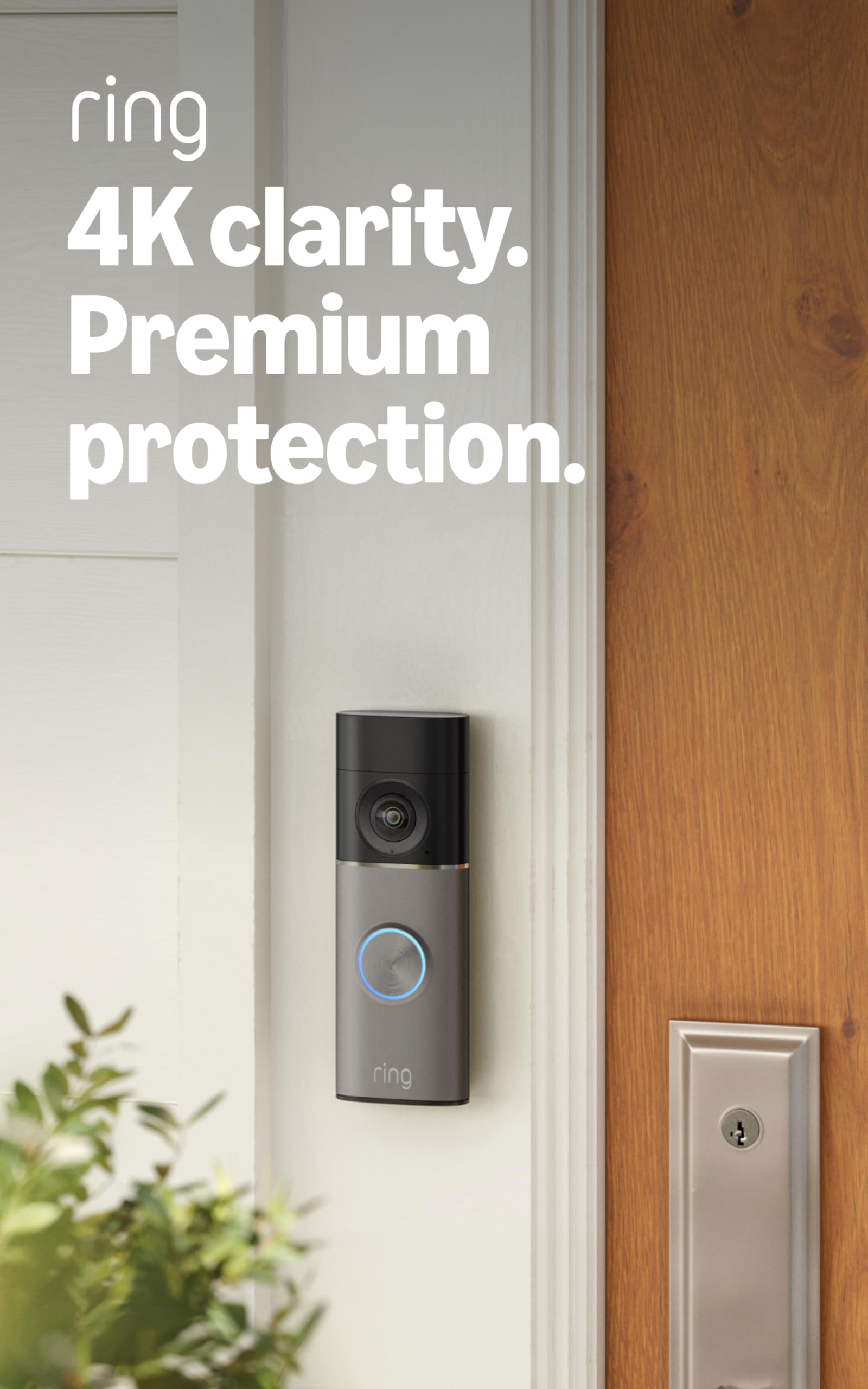
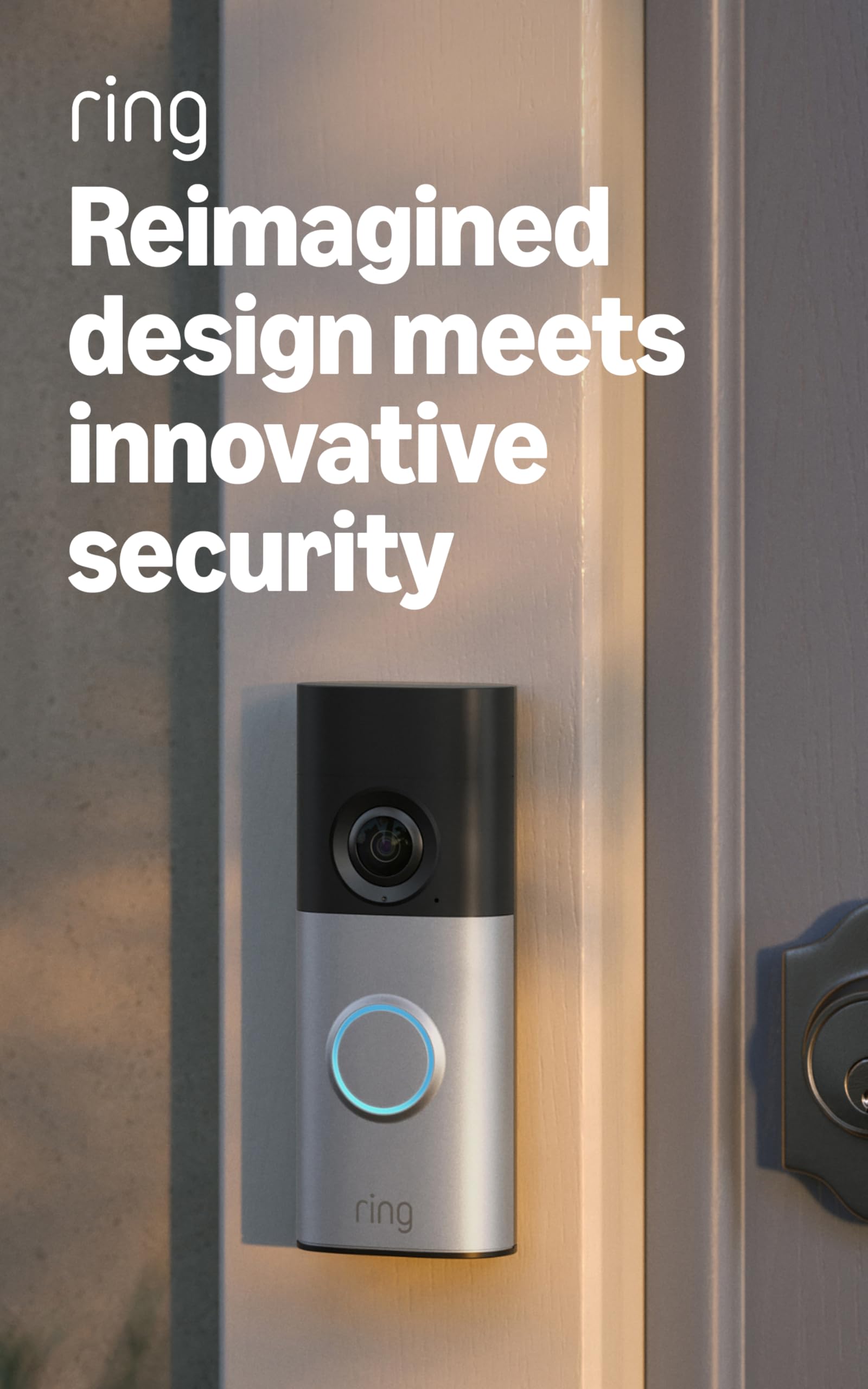
Ring Battery Doorbell (2nd Gen)

Ring Battery Doorbell (2nd Gen)

Alexa Ecosystem

Our Score 9.0/10
Check Price

Worth Noting

  • Motion detection can miss deliveries or fail to record events on occasion.
  • Battery may need frequent recharging in high-traffic entryways, sometimes every few days.
Read the full review

The Ring Battery Doorbell (2nd Gen) makes Ring's ecosystem accessible at a budget-friendly price, with head-to-toe video and tight Alexa integration. Unlike the top pick that relies on local microSD storage, this doorbell leans on a Ring Protect subscription for recorded clips and smart alerts. The 1080p head-to-toe view captures more of the porch, and setup is fast and wire-free via the rechargeable battery.

Video quality holds up in varied lighting, delivering sharp detail. In high-traffic spots, however, the built-in battery may need recharging every few days, which can be a chore if the doorbell is your primary security tool. Motion detection has been known to miss deliveries or not trigger a recording on occasion, so it is not foolproof for package tracking. For homes with light activity, these limitations are less likely to surface.

The doorbell suits renters, Alexa-centric households, and existing Ring camera owners who want to stay within the same app. The catch: without a Ring Protect plan (billed monthly), you lose access to recorded videos and person/package alerts, leaving you with only live view and two-way talk. Paying the ongoing fee is the tradeoff for this budget entry.

Bottom line: For Alexa-centric homes that don't mind the monthly Ring Protect fee, this doorbell delivers core Ring smarts in an affordable package.

3

Tapo D210

Tapo D210

Overall Value

Our Score 8.8/10
Check Price

Worth Noting

  • Limited to 2.4 GHz Wi‑Fi, which can suffer congestion in dense neighborhoods.
  • Wi‑Fi connection can occasionally drop and require re‑pairing with the chime, especially in unstable networks.
Read the full review

2K resolution captures faces and packages with sharp detail, even under the porch light at night thanks to full-color night vision and an integrated spotlight. The 160° diagonal field of view provides a head-to-toe perspective, so you see visitors and packages on the doorstep without cutting off the frame. Mounting the camera and pairing the plug-in chime is fast; the Tapo app guides you through every step in minutes.

Motion alerts reach your phone quickly, and the free person detection correctly distinguishes people from passing cars and swaying limbs, reducing nuisance notifications. Recorded clips save directly to a microSD card (up to 512GB) — no cloud dependency or monthly bill. A card is not included, but the capacity means months of footage before overwriting.

The plug-in chime connects to Wi-Fi and rings audibly indoors — a helpful backup when your phone is in another room. Two-way audio is clear enough for brief exchanges, though some background noise can bleed through. Customizable motion zones and sensitivity sliders in the app let you dial in the exact area you care about.

Alexa and Google Assistant integration enables live view on smart displays and voice announcements through compatible speakers. A spotlight doubles as a night light and deterrent, configurable to trigger on motion. At a budget-friendly price, this package sidesteps the recurring fees that many competitors charge for intelligent alerts or continuous recording.

This doorbell fits apartment dwellers and homeowners who want wireless installation, local storage, and zero monthly costs. The tradeoff is battery longevity: in high-traffic entryways, expect to recharge every few weeks rather than the 2-3 month figure some users see in quieter settings. If you need a hardwired doorbell or dual-band Wi-Fi, a wired competitor is the better match.

Bottom line: The D210 fills the gap for anyone who wants clear video, person detection, and local storage without a recurring bill — just keep a charging cable handy if your front steps are busy.

4

REOLINK PoE Doorbell

REOLINK PoE Doorbell

Stable PoE

Our Score 8.8/10
Check Price

Worth Noting

  • Two-way audio volume can be too low for visitors to hear clearly, especially in noisy environments.
  • Push notifications occasionally fail to trigger, so you may miss a doorbell ring.
Read the full review

Ethernet-powered stability eliminates the dropouts that frustrate Wi‑Fi doorbells. The Reolink PoE delivers a constant 2K video stream to an NVR, FTP server, or microSD card without router signal concerns. Unlike the brand’s Wi‑Fi variant, which suffers frequent disconnects, this hardwired model stays online for uninterrupted 24/7 recording and live viewing. It also integrates directly with Home Assistant, Blue Iris, and Synology Surveillance Station — a boon for smart-home tinkerers who want local control and zero monthly fees.

The tradeoff is a mandatory Ethernet cable to the doorbell. This makes the PoE model a fit only for homeowners who already have Cat6 wiring to the porch or are planning a dedicated run. Renters and anyone who cannot drill or route cable are ruled out immediately; a wireless doorbell would be a more practical alternative. If you can accommodate the wiring, you gain the most stable video doorbell available, with local storage and no recurring costs.

Two-way talk volume may be too quiet for natural conversation, particularly with background noise. Push alert delivery is not always reliable — some rings fail to generate a notification. These are livable tradeoffs if your priority is continuous video capture rather than doorstep chatter. For security-minded homeowners who value uptime and local storage over perfect audio or smartphone alerts, the Reolink PoE doorbell stands out.

Bottom line: If your home already has Ethernet to the door, you get the most dependable video doorbell on the market — it’s a surveillance tool first, with doorbell functionality second.

5

eufy S220

eufy S220

Privacy Local

Our Score 8.6/10
Check Price

Worth Noting

  • Motion detection can lag or miss visitors entirely, leaving gaps in your capture log
Read the full review

The eufy S220 anchors its privacy promise on the included HomeBase 2 — a small hub that stores encrypted recordings locally, never touching a cloud server. This contrasts with doorbells that write to a microSD card in the unit itself or lock features behind a paywall. The hub also acts as a chime and connects the doorbell to your home network, though it does require a spot near your router.

Video quality is a highlight: 2K resolution and a 160° diagonal field of view render visitors from head to toe, and the 4:3 aspect ratio frames packages left on the ground. Free human detection filters out false triggers from animals and vehicles without any subscription, a feature many rivals gate behind monthly plans.

Installation is straightforward. The bracket mounts with a few screws, and the doorbell snaps on magnetically. The removable battery recharges over USB in a few hours, so you can keep a spare power bank handy if needed. Build quality feels sturdy, and the IP65 rating handles rain and dust.

This doorbell is best for privacy-minded households with low to moderate foot traffic. The marketed 180-day battery life only holds in a lab setting — with typical daily events, expect to charge every one to two months. Motion detection can occasionally lag, so it's less suited for split-second alert demands.

Bottom line: If you value a subscription-free ecosystem and can tolerate monthly recharges, the eufy S220's local storage and sharp 2K video offer a privacy-first alternative worth considering.

6

BOIFUN 2K Doorbell

BOIFUN 2K Doorbell

Ultra‑Budget No‑Fee

Our Score 8.6/10
Check Price

Worth Noting

  • 2.4 GHz‑only Wi‑Fi can be finicky with thick walls or certain routers
  • Battery may need weekly recharging in high‑traffic areas
Read the full review

The BOIFUN 2K doorbell strips smart security down to the essentials: a sharp 2K HDR sensor, human detection, and local microSD recording — all without a subscription. Where the top pick adds a spotlight and bundled card, this model focuses on image quality and simplicity in a package that costs noticeably less.

Night vision with invisible 940 nm IR provides crisp, evenly lit images that outperform many budget rivals. The 166° diagonal field of view covers head‑to‑toe, and the HDR tone‑mapping handles harsh porch light well. Setup is quick: mount the bracket, connect to 2.4 GHz Wi‑Fi, and insert a microSD card — the app guides you through without friction. The built‑in 5200mAh battery can last weeks in a quiet cul‑de‑sac, but when mounted at a busy entrance with frequent motion alerts, it may dip to around a week between charges. 2.4 GHz‑only connectivity keeps the radio simple, though router distance and wall interference can introduce occasional stutter.

This doorbell is a natural fit for first‑time buyers, renters, and anyone determined to avoid monthly fees. You get private, local storage and sharp footage for a fraction of the cost of subscription‑heavy brands. It thrives in single‑family homes with decent Wi‑Fi coverage near the front door. For a rental with a wall‑mounted router nearby, it’s a no‑brainer. However, on a hectic street where detection events fire constantly, the battery will need more frequent attention — a manageable tradeoff for the price.

Tip: A dedicated 2.4 GHz IoT network or repositioning your router can often cure Wi‑Fi stumbles, especially if the doorbell sits at the edge of your coverage.

Bottom line: For a budget doorbell that refuses to compromise on image quality or local storage, the BOIFUN delivers where it counts. Just plan to charge it more regularly if your front door sees a parade of activity.

7

BOTSLAB 5MP Doorbell

BOTSLAB 5MP Doorbell

Highest Resolution

Our Score 8.6/10
Check Price

Worth Noting

  • Occasional Wi‑Fi dropouts can require an app restart to reconnect the live feed
  • After‑sales support network is smaller than what big‑brand competitors offer
Read the full review

The BOTSLAB delivers the sharpest wireless doorbell image available, with a 5MP sensor and 180° panoramic view that captures visitors from head to toe. Night vision impresses, and the 6400mAh battery lasts months between charges. The included 32GB SD card means no subscription fees for local recording.

Where it falls behind top battery picks is the 2.4GHz‑only Wi‑Fi, which can be less dependable in homes with challenging signal, and a support network that isn’t as established. Still, for someone who prioritizes resolution and no fees above broad smart home integration, this camera is a strong value.

Bottom line: This doorbell suits those who want the best possible wireless video clarity and local storage with zero subscription, provided their Wi‑Fi signal at the door is strong and they don’t need advanced smart home integration.

8

Arlo Video Doorbell 2K

Arlo Video Doorbell 2K

Arlo Ecosystem

Our Score 8.6/10
Check Price

Worth Noting

  • Package, person, and vehicle detection require an Arlo Secure subscription after the included trial.
Read the full review

The Arlo Video Doorbell 2K captures crisp 2K footage with vivid color night vision and a 180° diagonal view that shows visitors head-to-toe. Setup is simple whether you use the rechargeable battery or hardwire it, and the Arlo app guides you through the process without friction. When connected, the video stream is consistent and the build quality feels solid. The doorbell's standout feature, package and person detection, works well during the included trial—but afterward, those smart alerts drop off unless you sign up for an Arlo Secure plan, which adds a recurring cost.

For households already paying for Arlo Secure to manage multiple cameras, the subscription cost is largely absorbed, making this doorbell a logical addition. If your Wi-Fi network at the front door isn't strong, occasional drops may occur; placing a mesh node nearby eliminates that frustration. Buyers who want entirely subscription-free smart detection will find the top pick in this set offers comparable capabilities with local storage and no monthly fees.

Tip: To avoid occasional Wi‑Fi drops, place a mesh Wi‑Fi node near the entryway or ensure the doorbell is within strong router range.

Bottom line: If you're already in the Arlo ecosystem and paying for Arlo Secure, this doorbell adds seamless integration and sharp video. For a subscription-free alternative with similar detection features, the top pick is a better long-term value.

9

Kasa KD110

Kasa KD110

Hardwired Local

Our Score 8.2/10
Check Price

Worth Noting

  • Wi‑Fi connection can be unstable, especially during the initial pairing process
  • Motion detection may generate false alerts from shadows or wind, even after adjusting zones
Read the full review

The KD110's crisp 2K image and local microSD storage skip monthly costs, with an easy hardwired install for those replacing an existing doorbell. However, connection drops during Wi‑Fi setup and occasional false motion alerts from shadows or wind prevent it from challenging the top options. It’s best suited for Tapo ecosystem users who prefer a wired, subscription‑free doorbell and are comfortable adjusting sensitivity to cut down on unnecessary notifications.

Bottom line: A sensible pick for Tapo ecosystem users who want a hardwired doorbell with local storage and are prepared to spend a little time tuning motion settings to minimize extraneous alerts.

How to Choose

Resolution

1080p is adequate for close‑up views, but stepping up to 2K or 5MP makes a noticeable difference when identifying faces or packages several feet away. The trade‑off: higher resolution files eat more microSD space and can shorten battery life on wireless models because the processor works harder. For most homes, 2K hits the sweet spot — crisp enough to read details without requiring a wired power source.

Power Source

Battery doorbells offer flexible placement without drilling, but their recharge cycles depend on how often motion triggers the camera. A busy sidewalk can drain a battery in days.

Hardwired models use existing doorbell wiring to stay powered continuously, eliminating charging chores. PoE (Power over Ethernet) delivers the most stable video and never needs recharging, but requires running a network cable to the door — a project for homes with attic or crawlspace access.

Subscription Requirement

Many recognizable brands lock recorded video playback and smart alerts behind a monthly plan. Without it, you can only see a live view. Subscription‑free models rely on local storage (microSD card, internal memory, or a base station) to save clips without recurring fees. But ‘subscription‑free’ doesn’t always mean no cost: you usually need to buy a microSD card separately, and you’ll manage storage yourself — deleting old clips when the card fills up.

Local Storage

Local storage puts you in control: footage is kept inside your home, not on someone else’s server. Options include microSD cards (up to 512GB), built‑in eMMC chips, or a HomeBase hub. However, if someone steals the doorbell, you could lose the footage unless it’s backed up to a separate NVR or NAS. Consider whether you want a simple on‑device system or a centralized security setup that records 24/7.

Field of View

A wider field of view catches more of your porch, but can introduce fisheye distortion at the edges. Head‑to‑toe aspect ratios (like a vertical 4:3) are better for seeing packages left on the ground, while standard wide angles favor horizontal coverage. Match the field to your entryway’s shape: a tall, narrow view if you’re concerned about deliveries, or a broad view to monitor a driveway.

Smart Integration

If you already use Alexa or Google Home, pick a doorbell that integrates directly — you’ll receive announcements on smart speakers and can pull up live video on your screen. However, some ‘compatible’ models only offer basic motion alerts, not full two‑way audio. Check whether the doorbell supports the specific routines you want, like turning on a porch light when someone rings the bell.

Frequently Asked Questions