Smart Home

11 Best Smart Home Devices of 2026: Connected Devices That Last

Which smart home devices enhance your home's ambiance without constant dropouts—and work with your voice assistant.

If you've ever had a smart plug randomly disconnect right when you needed to turn off the porch light, you're not alone. Many smart home gadgets deliver a seamless first week, then slowly become unreliable as Wi-Fi hiccups take their toll. Choosing devices that maintain their connection over months matters as much as the initial setup.

The other puzzle is compatibility: a light bulb that works with Alexa may ignore Google Home entirely. Home decorators who want to mix ambient lighting with voice control often face a choice between broad compatibility and the guaranteed smoothness of a closed ecosystem.

This guide focuses on the smart home devices that deliver long-term stability and fit your chosen assistant—whether you're automating holiday lights or dialing in a cozy evening ambiance.

#1

Best Overall Smart Plug

Kasa Smart Plug HS103P2

Kasa Smart Plug HS103P2

4.6
  • Wi-Fi Band: 2.4GHz
  • Assistant Compatibility: Alexa, Google, IFTTT
Check Price

Pros

  • Broad compatibility with Alexa, Google Assistant, and IFTTT — Customer feedback highlights seamless multi-platform use across Alexa, Google, and IFTTT.
  • Easy app-based scheduling and remote control — Customer feedback emphasizes effortless on/off control via the app.
  • Quick setup with Wi-Fi pairing in minutes — Customer feedback notes easy Wi-Fi pairing.

Cons

  • Wi-Fi connection may drop when the plug is placed far from the router, requiring a reset. — Customer feedback notes connectivity drops when placed at distance.
  • Some units may become non-responsive within the first few weeks of use. — A subset of customer feedback reports units becoming non-responsive after a few weeks.

The Kasa Smart Plug pair offers broad assistant compatibility at an entry-level cost, making them a practical starting point for new smart home setups. The Kasa app provides simple scheduling and remote control, and initial pairing takes only a few minutes.

These plugs are best for first-time smart home builders on a budget who already have a stable 2.4GHz Wi-Fi network. They suit homes using Google Assistant or mixed ecosystems, and work well for automating lamps, fans, or holiday lights.

💡 💡 Tip: Place each plug within 30 feet of your router for consistent connectivity.

Bottom Line: For budget-conscious buyers with a stable, close-range Wi-Fi setup, this two-pack delivers flexible smart control without a hub investment.
#2

Best Smart Speaker & Hub

Amazon Echo Dot (5th Gen)

Amazon Echo Dot (5th Gen)

4.7
  • Wi-Fi Band: 2.4GHz
  • Assistant Compatibility: Alexa
Check Price

Pros

  • Rich, room-filling sound from a tiny footprint — 3836 mentions (82% positive) praising clarity and richness
  • Built-in motion and temperature sensors enable lighting and climate routines without extra hardware — 2493 mentions (74% positive) on functionality as alarm clock, home controller
  • Guided Alexa app setup gets you running in minutes — 1530 mentions (88% positive) on initial pairing

Cons

  • Long-term consistency can vary — occasional unresponsiveness may require a reset — 1213 mentions, 83% negative

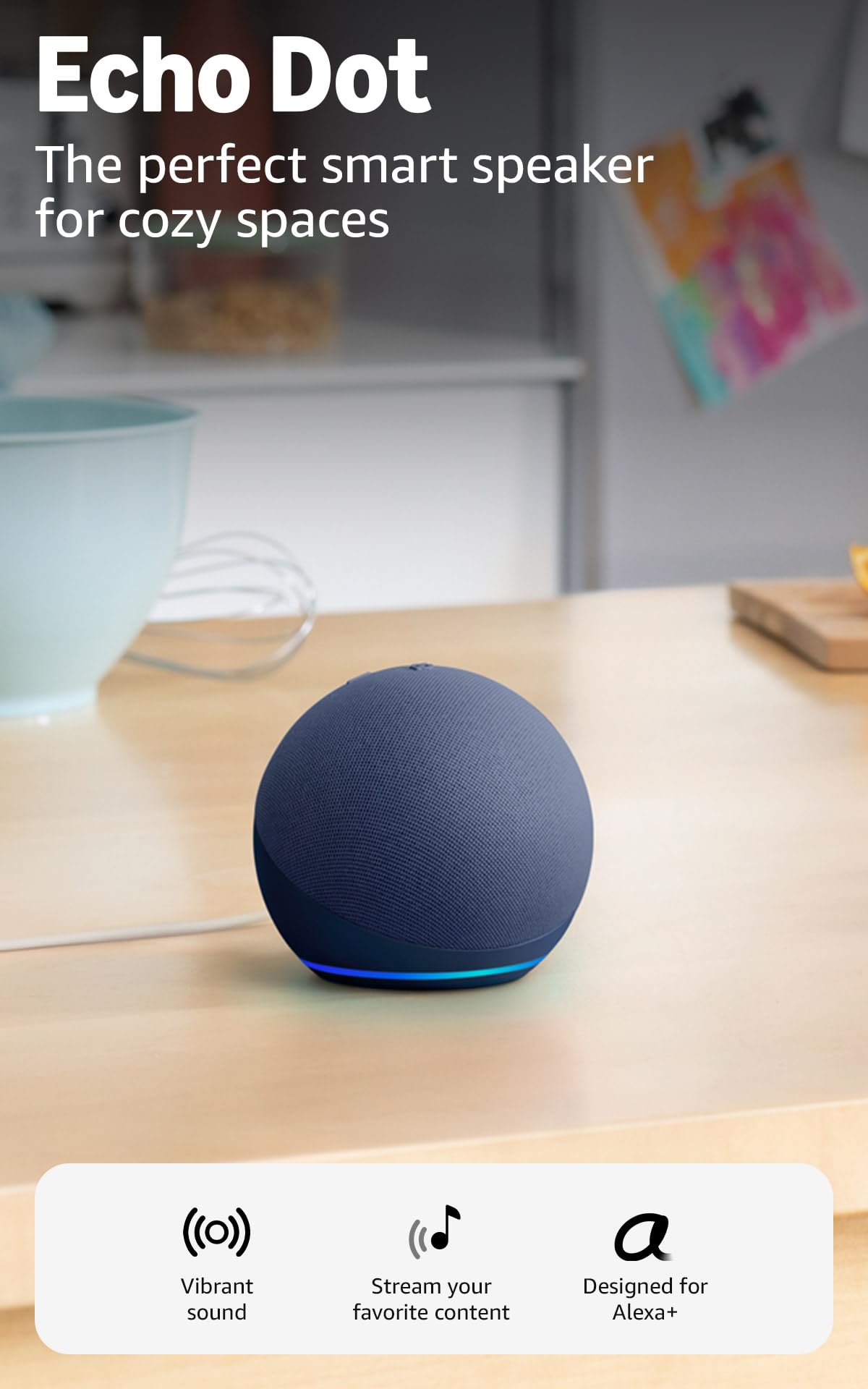
The latest Echo Dot produces surprisingly full sound for its size, handling vocals clearly with decent bass. Unlike the screen-equipped Echo Show, this model trades a display for built-in temperature and motion sensors that enable ambient-aware Alexa routines, plus an eero mesh Wi-Fi extender to strengthen compatible home networks.

It’s a natural fit for Alexa households seeking a compact, multi-function smart speaker that can automate lights or thermostats based on room conditions. Eero users gain a seamless network boost. The trade-off: long-term consistency isn’t uniform — some units may become unresponsive within a year, requiring resets. If occasional troubleshooting is acceptable, the value is strong.

💡 💡 Tip: Place it somewhere easily accessible for a quick unplug replug if it ever becomes unresponsive.

Bottom Line: For a compact Alexa hub with strong audio and built-in eero mesh, the Echo Dot shines — just keep a power cycle within reach for the rare hiccup.
#3

Best Color-Changing Lights

Govee Smart Bulbs (4-Pack)

Govee Smart Bulbs (4-Pack)

4.7
  • Wi-Fi Band: 2.4GHz
  • Assistant Compatibility: Alexa, Google
Check Price

Pros

  • 16 million colors and 54 scenes deliver vivid, accurate lighting for any mood. — 633 mentions (87% positive) on color options and vividness
  • 800-lumen output brightens a room for tasks and dims smoothly to a nightlight glow. — 538 mentions (72% positive) on 800-lumen output
  • Alexa and Google Assistant integration is responsive for hands-free color and brightness changes. — 541 mentions (83% positive) on smooth integration

Cons

  • May lose Wi-Fi pairing after network changes, requiring a manual reset in the app. — 650 connectivity mentions, 37% negative — some lose pairing after network changes

The Govee smart bulbs put 16 million colors and 54 scene presets at your fingertips, with 800-lumen output that brightens a living room and dims to a soft glow. Music sync via the phone mic adds a dynamic party mode, and Alexa/Google users get reliable voice control for scenes and brightness. This 4-pack is ideal for decorators who want to wash walls in color or automate holiday lighting. It won't double as an environmental sensor — there's no temperature or humidity tracking — and it requires a 2.4GHz Wi-Fi network; 5GHz-only routers cause dropouts.

💡 💡 Tip: Ensure your router broadcasts a 2.4GHz signal; these bulbs ignore 5GHz-only networks.

Bottom Line: A value-packed 4-bulb kit for ambient and accent lighting in a 2.4GHz-equipped home, with occasional re-pairing the only friction.
#4

Best Budget Indoor Camera

Blink Mini Camera

Blink Mini Camera

4.4
  • Wi-Fi Band: 2.4GHz
  • Assistant Compatibility: Alexa
Check Price

Pros

  • Sharp 1080p footage and clear night vision for around-the-clock monitoring. — 4428 mentions (80% positive) on picture quality
  • Simple setup and mounting in minutes. — 3541 mentions (92% positive) on quick install

Cons

  • Motion detection may miss events unless you fine-tune sensitivity to your space. — 2774 mentions, 60% negative — missed motion events unless sensitivity is carefully tuned
  • Saving video clips requires a Blink Subscription or a separate Sync Module 2 after the free trial.

Setup takes minutes — plug it in, connect via the Blink app, and you get sharp 1080p video with clear infrared night vision for around-the-clock monitoring.

Motion detection can miss events unless you fine-tune sensitivity to your space, and saving clips beyond the 30-day trial requires a Blink Subscription or a separate Sync Module 2 — both add cost. This camera fits Alexa households wanting quick visual checks on an Echo Show, temporary baby or pet monitoring, or basic room oversight where a missed motion event isn’t critical.

💡 💡 Tip: Pair the Mini with a Sync Module 2 and a USB drive for local recording without ongoing fees, but motion detection still requires careful sensitivity tuning.

Bottom Line: For Alexa homes needing an affordable, plug-and-play camera for occasional pet or room checks, the Blink Mini delivers clear video. If you need consistent motion-triggered recording or free cloud storage, budget for a subscription or look elsewhere.
#5

Best for Outdoor & Holiday Lighting

Kasa Outdoor Plug

Kasa Outdoor Plug

4.6
  • Wi-Fi Band: 2.4GHz
  • Assistant Compatibility: Alexa, Google, IFTTT
Check Price

Pros

  • Great for holiday and landscape lighting control — 272 mentions, 98% positive on outdoor-specific use during Christmas
  • Two independently controlled sockets for dual devices — 951 functionality mentions, 88% positive on reliable performance
  • Quick setup and robust scheduling with voice assistants — 660 mentions, 93% positive on quick pairing

Cons

  • Wi-Fi connection can become unreliable when the plug is far from the router — 296 connectivity mentions, 58% negative

Independent control of two outdoor sockets and a straightforward IP64 rating make this Kasa a go-to for patio or holiday lighting that needs separate schedules. Setup is quick, and the app integrates smoothly with Alexa, Google Assistant, and IFTTT for timer-based routines. This fits homes with strong outdoor Wi-Fi and a protected outlet location — under an eave or inside a weatherproof cover. Units left fully exposed to rain and snow may fail within a couple of months, so it’s best seen as a seasonal helper rather than a permanent outdoor fixture.

💡 Install under a covered outlet or add a weatherproof box to significantly reduce the risk of moisture damage.

Bottom Line: The Kasa Outdoor Plug delivers flexible dual-outlet control for seasonal outdoor décor, provided it’s sheltered from direct wet weather. For year-round installation in exposed spots, consider a model with higher water protection.
#6

Best Environmental Sensor

Govee Hygrometer H5075

Govee Hygrometer H5075

4.5
  • Wi-Fi Band: Bluetooth only
  • Assistant Compatibility: —
Check Price

Pros

  • Readings stay within ±0.54°F and ±3%RH right out of the box — 1662 mentions (75% positive) on precise measurements
  • Large, backlit LCD is easy to read even in dim spaces — 638 mentions (82% positive) on readability
  • Two years of data logging and export via the app without subscription fees — 938 mentions (90% positive) on temperature monitoring trends

Cons

  • For remote monitoring from another location, Bluetooth’s 164-foot radius means no view of readings — 1237 mentions, 46% negative — cannot check readings away from home
  • In a greenhouse or wine cellar, readings can wander from initial accuracy after several months; an occasional side-by-side check with a reference is wise — 1662 accuracy mentions, 25% negative — occasional miscalibration reported

Unlike color-changing bulbs, the Govee H5075 is a single-purpose monitor for safeguarding wood floors, wine storage, or terrariums. Its always-on 3-inch display shows temperature, humidity, and a comfort smiley at a glance, while the free app logs two years of history to spot trends. It suits gardeners, collectors, and anyone needing an accurate local readout without a hub. The trade-off: Bluetooth-only connectivity limits readings to a 164-foot radius; you can’t check conditions away from home. Think room-bound instrument, not remote sensor.

💡 💡 Tip: Pair with a Bluetooth gateway or keep an old phone running the app nearby if you need occasional remote checks while home.

Bottom Line: If local, glance-and-go monitoring of humidity and temperature is your goal, the Govee H5075 delivers accurate data and long-term logging at a budget-friendly price — just don’t expect to check it from the office.
#7

Best Multi-Device Power Strip

Kasa Power Strip KP303

Kasa Power Strip KP303

4.6
  • Wi-Fi Band: 2.4GHz
  • Assistant Compatibility: Alexa, Google
Check Price

Pros

  • Independently control each of the three smart outlets via app or voice, while both USB ports stay live for charging. — 104 mentions (93% positive) on independent outlet operation
  • Alexa and Google Assistant pairing is smooth, with a quick guided setup. — 155 compatibility mentions (72% positive) and 255 setup mentions (87% positive)

Cons

  • Wi-Fi may occasionally drop, and restoring the connection can require a manual power cycle. — 267 connectivity mentions, 49% negative — occasional dropouts noted

Unlike the top pick that expands your outlets one plug at a time, this power strip packs three independently controllable outlets and two USB charging ports into a single surge-protected unit. Setup with Alexa or Google Assistant is smooth, and each outlet can be scheduled or voice-activated separately while the USB ports remain always on. That makes it a natural fit for an office desk, entertainment center, or any spot where you want zone control and built-in charging. Wi-Fi can occasionally drop and require a quick power cycle, so it's less suitable for situations that can't tolerate even a brief interruption. For everyone else, it's a compact way to manage multiple devices without a tangle of adapters.

💡 💡 Tip: Keep the strip within strong 2.4GHz range; a far location or network interference can increase the chance of disconnections.

Bottom Line: For a desk or media center, this is the easiest way to voice-manage three devices and charge two more — as long as an occasional power-cycle to restore Wi-Fi isn't a dealbreaker.
#8

Alexa simplicity

Amazon Smart Plug

Amazon Smart Plug

4.7
  • Wi-Fi Band: 2.4GHz
  • Assistant Compatibility: Alexa
Check Price

Pros

  • Dependable everyday operation with Alexa routines
  • Effortless setup directly in the Alexa app – no extra apps or hubs

Cons

  • Per-outlet cost is higher than buying multi-pack plugs

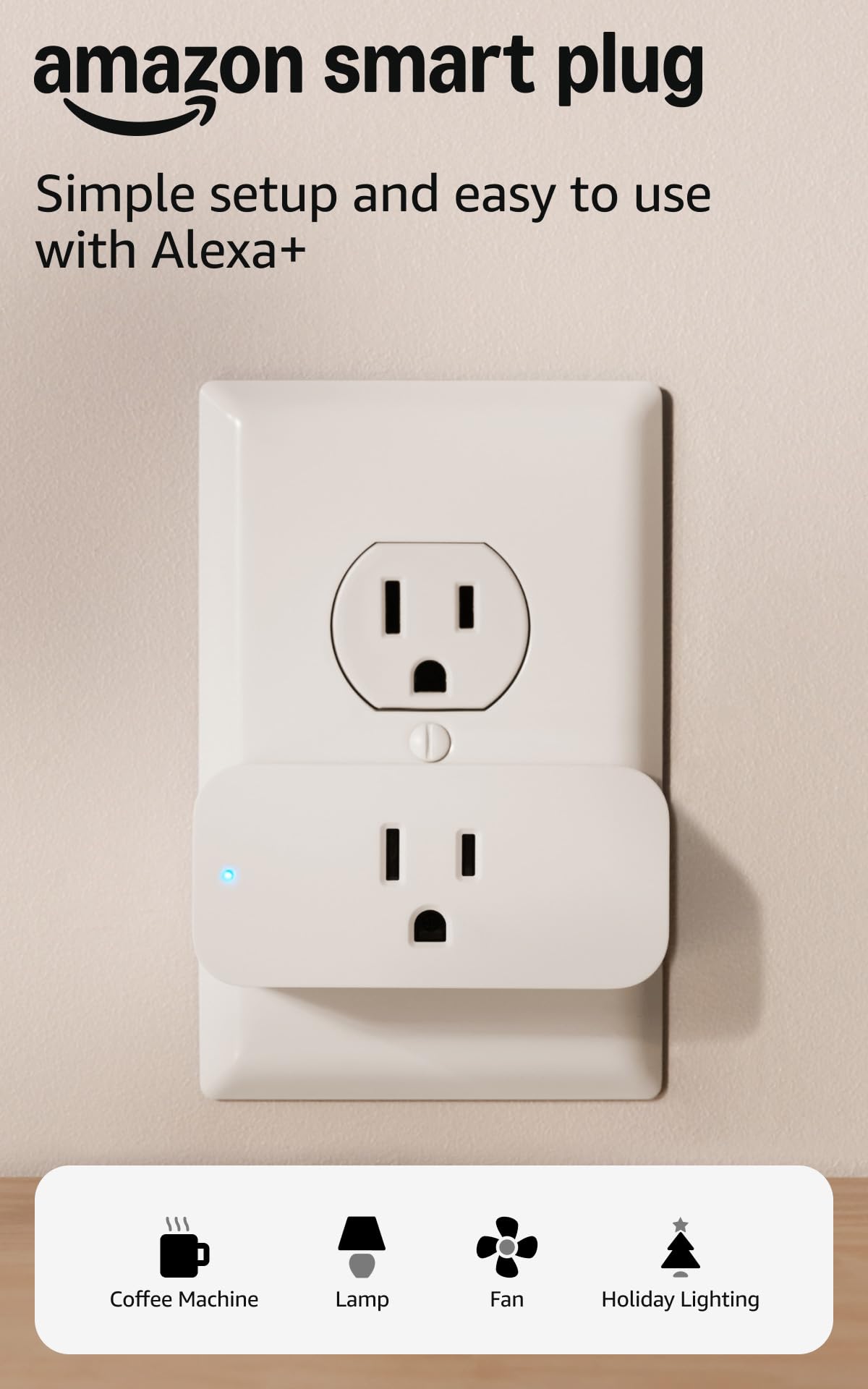
The Amazon Smart Plug delivers steady everyday performance for Alexa users – setup is done entirely within the Alexa app, no separate hub required. Its compact shape leaves the second outlet accessible. However, the plug works exclusively with Alexa, limiting flexibility for those using Google or Apple Home.

Bottom Line: Best for Alexa households that prioritize simplicity and steady performance over multi-room expansion; for broader compatibility, consider the multi-platform Kasa plug.
#9

Future-proof Matter

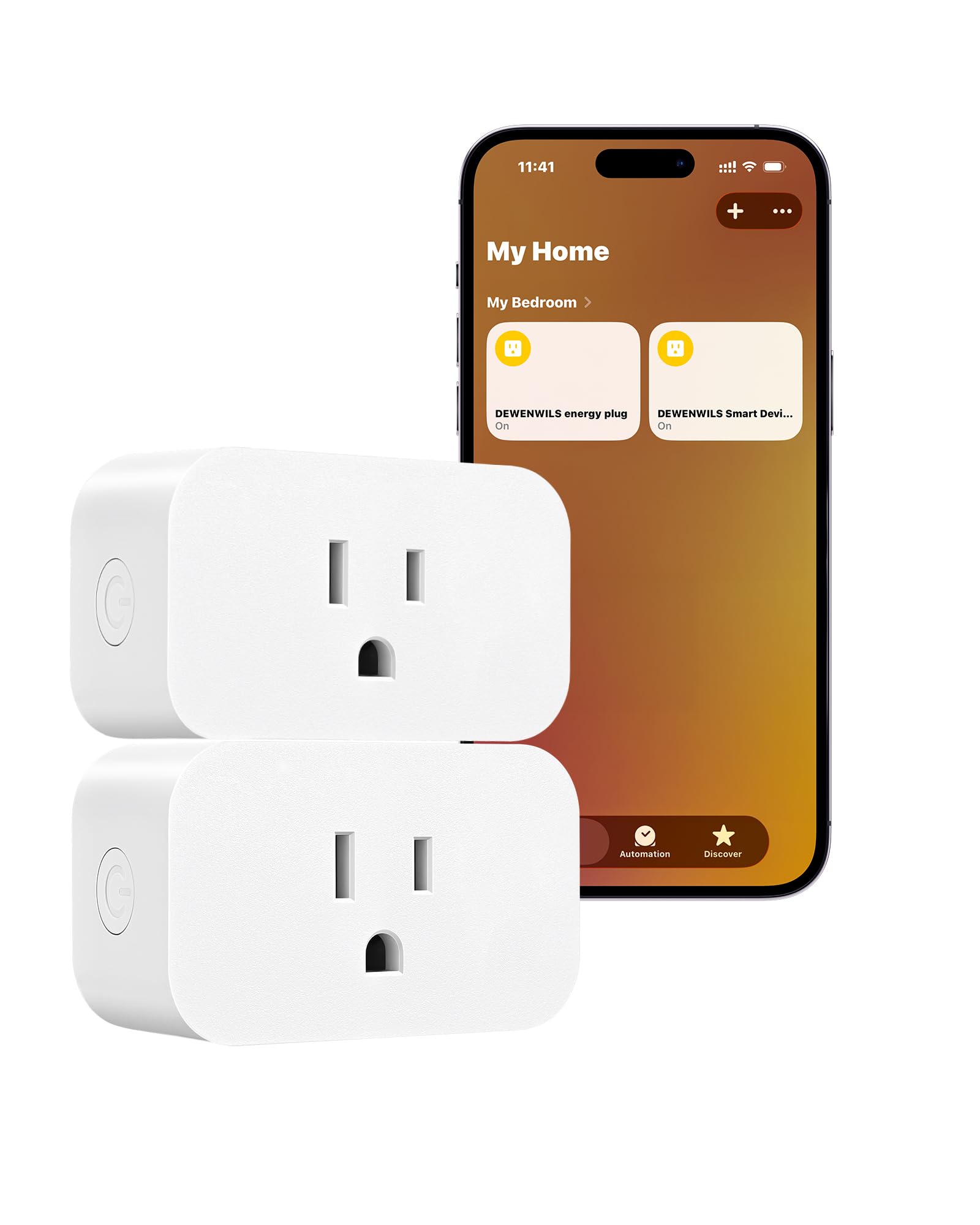
DEWENWILS Matter Plug

DEWENWILS Matter Plug

4.8
  • Wi-Fi Band: 2.4GHz
  • Assistant Compatibility: Alexa, Google, Apple, SmartThings
Check Price

Pros

  • Single QR code instantly pairs with Alexa, Apple Home, Google, and SmartThings—no extra setup. — 624 mentions (86% positive) on seamless functionality
  • Local LAN operation eliminates cloud lag and keeps automations running when internet drops. — 380 mentions (99% positive) on simple use, plus reliability praise

Cons

  • Early hardware failures have been reported within a few months of installation. — 58 durability mentions, 78% negative — early hardware failures reported

The DEWENWILS Matter plug uses a single QR code for pairing with Alexa, Apple Home, Google, and SmartThings, and operates locally over LAN—no cloud needed. Early hardware failures within a few months have been noted, so it's best for those prioritizing multi-platform control over long-term durability.

Bottom Line: Best for tinkerers and multi-platform households that prioritize protocol flexibility and local control, provided they're comfortable with the possibility of an early replacement.
#10

Ecobee temp balance

ecobee Smart Sensor

ecobee Smart Sensor

4.6
  • Wi-Fi Band: —
  • Assistant Compatibility: —
Check Price

Pros

  • Smooths out hot and cold spots across multiple floors — 224 mentions (83% positive) on precise climate control
  • Adhesive/magnetic mounting and app-guided pairing take minutes — 186 mentions (89% positive) on ease of use and setup

Cons

  • Premium cost for a temperature and occupancy sensor, hard to justify without active room-balancing needs — 133 value mentions, 63% negative — many find the cost hard to justify

The ecobee Smart Sensor 2-pack delivers precise room-level temperature balancing for homes with hot or cold spots, especially multi-story layouts where a single thermostat reading misrepresents comfort. Setup is quick — adhesive and magnetic mounts along with app-guided detection get things running in minutes. However, these sensors only work with ecobee smart thermostats, so they can't serve as standalone monitors or integrate with other platforms. The premium price per sensor is hard to swallow if you're just looking for a basic temperature check, and initial pairing can occasionally require patience. This product is best for committed ecobee owners who want occupancy-driven Follow Me or Smart Home/Away automation, not a one-size-fits-all sensor.

Bottom Line: Worth considering only if you own an ecobee thermostat with uneven room temperatures and plan to use occupancy-based automations — the comfort payoff then offsets the high per-sensor price.
#11

Nightstand alarm

Echo Spot (2024)

Echo Spot (2024)

4.5
  • Wi-Fi Band: 2.4GHz
  • Assistant Compatibility: Alexa
Check Price

Pros

  • Compact, low-profile design that blends into nightstands.
  • Rich and clear audio quality for its footprint.

Cons

  • From a bed, the screen is difficult to read unless directly facing it.

The Echo Spot combines an attractive nightstand design, rich audio, and customizable clock faces for a polished bedside addition. However, the screen becomes hard to read unless you're directly facing it, and Wi-Fi connectivity may drop without notice, which can undermine its role as a daily alarm clock.

Bottom Line: Works well for users who can position it face-on and have a steady 2.4GHz network – less suited for quick glances from across the room.

How to Choose

Assistant Compatibility

A device locked to a single voice assistant can limit you if you later switch ecosystems. A plug that only works with Alexa cannot join a Google Home routine, forcing you to choose a side early. In contrast, multi-platform units give you the freedom to mix assistants or change later, but their integrations sometimes feel less polished than first-party products. For a home decorator who might start with Alexa and later add a Nest speaker, universal compatibility keeps options open.

Wi-Fi Band Support

Nearly all smart home devices rely on the 2.4GHz band because it penetrates walls better and reaches farther. The catch is that many modern routers combine 2.4GHz and 5GHz under one network name, which can confuse setup if your phone is on 5GHz. Separating the bands or temporarily disabling 5GHz during pairing prevents most connection failures. Once connected, a weak 2.4GHz signal still causes random dropouts, so a mesh system or a well-placed router is the real backbone.

Number of Smart Outlets

A single smart plug is fine for one lamp, but outfitting a room quickly becomes expensive. Multi-packs or power strips with individually controlled outlets give you per-device scheduling without piling up wall warts. In-wall outlets offer the cleanest look but often require a neutral wire and deeper junction boxes than older homes have. Check your electrical box depth before buying—some smart outlets are three times deeper than standard ones.

Lighting Color and Brightness

Color-changing bulbs promise instant mood shifts, but brightness at the warmest white setting is often lower than the rated lumens. A bulb that glows vividly in blue may appear dim in a cozy amber, which matters when you want both accent and task lighting. Dedicated white-tuning bulbs solve this by prioritizing accurate warm-to-cool whites over saturated colors. For true decorating flexibility, choose a bulb whose dimmest yellow is still bright enough for reading, not just ambiance.

Subscription Requirements

Indoor cameras like the Blink Mini include a free trial but require a paid plan or a separate Sync Module to save clips long-term. Without it, you get live view and motion alerts, but no recorded proof if a package disappears. Factor the ongoing cost into the total price—a $25 camera may cost $36 per year to function as a proper security recorder. A local storage option, such as a Sync Module, pays for itself after a year.

Frequently Asked Questions